Lead enrichment takes a name, an email or a LinkedIn URL and returns the rest of the record: work and personal email, phone, current role and employer. Recruiters use it twice. They enrich candidates to reach them, and they enrich hiring companies to win the search.
Four limits decide the tool. How many records a plan returns in a month. Whether you pay per seat or per credit. Whether you can call it from code. How many recruiters share one plan. Most agencies want a Chrome extension. Teams that build sourcing software want an API.
We ranked six tools on those limits: ContactOut, LeadOcean, Lusha, RocketReach, Kaspr and Apollo. For the wider category, see our best lead enrichment tools guide.
TL;DR
| Tool | Best for | Starting price | Cost at 1M records a month |
|---|---|---|---|
| ContactOut | Recruiters who source from LinkedIn | Free (5 emails a day). Email $49 a month, $39 billed yearly | No public 1M price |
| LeadOcean | Sourcing tools, agents and bulk pulls | Free (1,000 records, one-off). Solo $97 a month | $497 a month flat (Agency). Fair use applies |
| Lusha | Teams of 2 to 5 who want phones | Free (40 credits). Starter $49.90 a month, $37.45 billed yearly | No public 1M price |
| RocketReach | One recruiter who pays per action | Free (5 lookups). Essentials $69 a month, reported | No public 1M price |
| Kaspr | European recruiters on LinkedIn Recruiter | Free (15 B2B email credits). Starter $65 per user a month | No public 1M price |
| Apollo | Recruiters who also run outbound sequences | Free (75 credits). Basic $65 per seat a month, $49 billed yearly | $24,750 a month at list, $19,600 a month equivalent billed yearly |
What we evaluated
- Monthly volume. How many records a paid plan returns in a month, and what the fair use rule says about "unlimited".
- Price model. Per seat, per credit or flat. Recruiters who hire in bursts feel credit expiry and seat minimums.
- API and MCP. Whether you can call it from code or an agent, what access costs, and how fast it runs.
- Seats. How many recruiters one plan covers, and whether credits are shared.
- Cost at 1M records a month. The published list price, or "No public 1M price" where the vendor sells none. We never multiply a rate out.
1. ContactOut: best for recruiters who source from LinkedIn
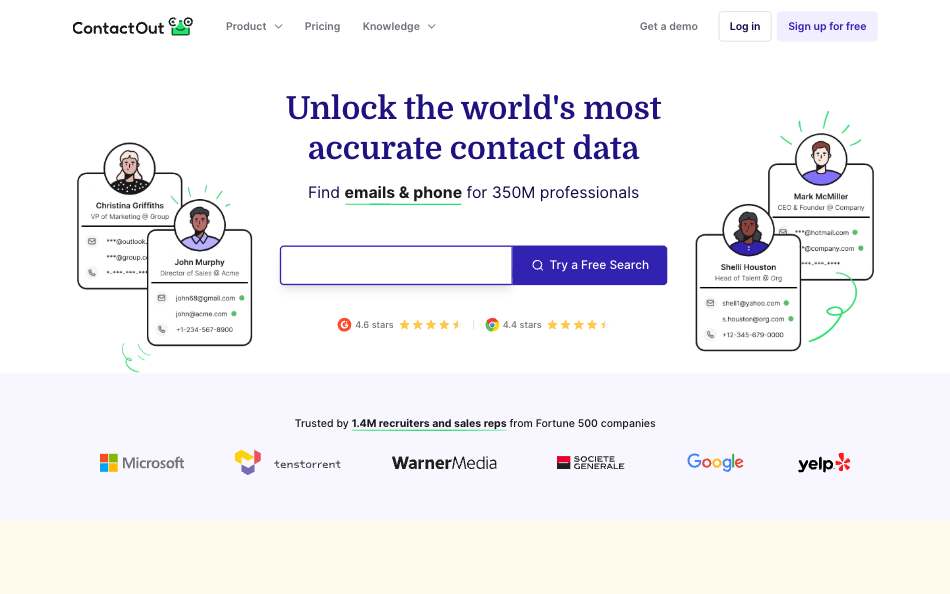
ContactOut is a LinkedIn-first finder with a Chrome extension, an API and an MCP server. It matches how most recruiters already work: open a profile, click, get the email and phone (ContactOut homepage, September 2026). Free gives 5 emails, 5 phones and 5 exports a day.
The paid "unlimited" plans have a ceiling. Fair use caps them at 2,000 email credits and 1,000 phone credits per account per month (ContactOut terms, September 2026). Every self-serve plan lists a one-user-per-company limit (ContactOut pricing, September 2026). A team of five needs the Team plan, which shows Contact Us instead of a price.
The API has no public price either. Keys come from booking a meeting, and the docs give credit use but no dollar rate (ContactOut API docs, September 2026). People Search runs at 60 requests a minute. The MCP server lists 15 tools (ContactOut MCP, September 2026).
Pros
- Built for LinkedIn sourcing, with a free tier you can test today.
- Email + Phone at $99 a month ($79 billed yearly) covers one recruiter with phones.
- Regional plans cost less outside the US: Email at $25 a month ($19 billed yearly).
- API and MCP both exist.
Cons
- One user per company on self-serve plans. Teams must talk to sales.
- Fair use caps "unlimited" at 2,000 emails a month per account.
- No public API price and no public 1M price.
Best for: Solo recruiters and small agencies who source from LinkedIn in a browser. Pricing: Email $49 a month, $39 billed yearly. Email + Phone $99 a month, $79 billed yearly. Team / API is Contact Us (ContactOut pricing, September 2026).
2. LeadOcean: best for sourcing tools, agents and bulk pulls
LeadOcean is a people and company database behind one REST API and one hosted MCP server. It holds 693M people, 366M with an email and 166M with a phone number, plus 67M companies. You search with 50 people filters, including title and country, then pull the email from the same record (LeadOcean docs, October 2026).
It has no Chrome extension and no rep workspace. The app at app.leadocean.io has an Exports page with a filter builder, a column picker, a price preview and a CSV download (LeadOcean exports docs, October 2026). A recruiter who works one profile at a time on LinkedIn should start with ContactOut. A team that builds a sourcing tool or runs an agent gets more here.
Person enrich takes a LinkedIn URL, an email, a phone or a person_id. Since October 2026 it also returns career history: past roles, education, certifications and awards. Paid plans have a fair-use pace, not credits. Agency is $497 a month with 200 requests a second and 5 keys. The MCP server has 13 tools and signs in with OAuth 2.1 (LeadOcean MCP docs, October 2026).
Pros
- Flat price. Agency at $497 a month covers a team and volume, and Solo at $97 covers one person.
- REST and MCP on every plan, with 1,000 free records and no card.
- Career history on enrich, and free counts to size a candidate pool before you spend a record.
- A person enrich that finds nobody costs nothing.
Cons
- No Chrome extension. A recruiter cannot click on a LinkedIn profile.
- No ATS sync, sequencer or dialer. You export CSV or call the API.
- No refund for bounced emails. Read
email_statusbefore you send.
Best for: Teams that build recruiting software, run agents or pull candidate lists at volume. Pricing: Free is 1,000 records, one-off, no card. Solo $97, Agency $497 and Platform $1,997 a month (LeadOcean pricing, October 2026).
3. Lusha: best for small teams who want phones
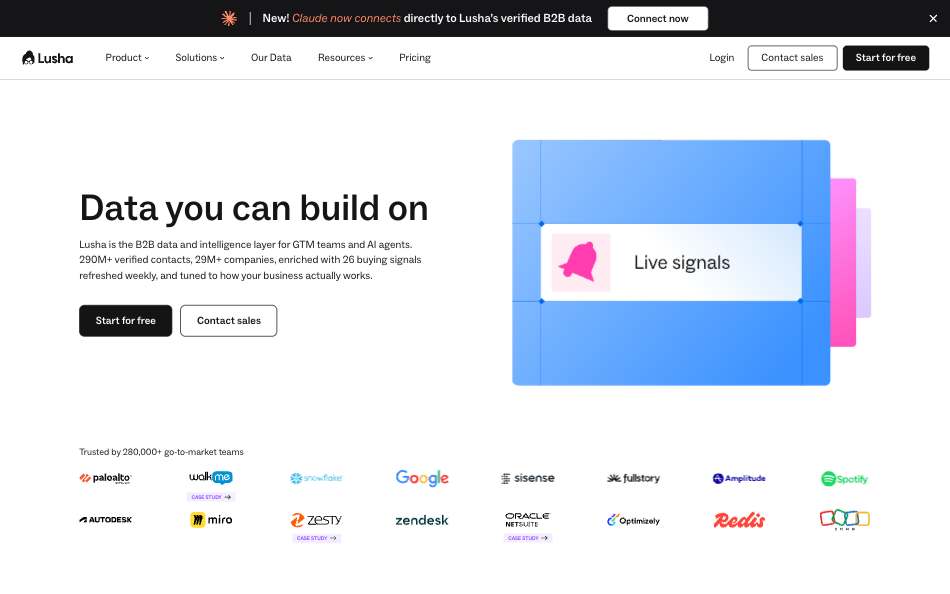
Lusha is a contact data platform with a Chrome extension, a REST API and an MCP server, sold on credits. An email costs 1 credit and a phone number 5. A candidate with both costs 6 in the app and 7 through one API request (Lusha API guide, September 2026).
Seats are where Lusha helps a team. Pro includes 2 seats and Premium 5, expandable to 25 (Lusha plans docs, September 2026). The ladder is steep. Starter is $49.90 a month for 400 credits, Pro $69.90 for 600 and Premium $399.90 for 3,400 (Lusha pricing, September 2026).
Every plan gets an API key, including Free. Limits are small: Pro allows 50 requests a minute and 1,500 a day. The MCP server has 50 tools and shares the REST credit pool (Lusha MCP tools, September 2026).
Pros
- Seats are built in: 2 on Pro, 5 on Premium.
- API on every plan and an MCP server with 50 tools.
- Yearly billing is about 25% cheaper.
Cons
- Phones cost 5 credits, so phone-heavy sourcing burns a plan fast.
- Lusha's docs disagree on whether a no-match request is charged.
- No public 1M price. The top public plan holds 10,000 credits a month.
Best for: Recruiting teams of two to five who want phones and a shared plan. Pricing: Starter $49.90 a month, $37.45 billed yearly. Pro $69.90, $52.45 billed yearly. Premium $399.90, $299.95 billed yearly (Lusha pricing, September 2026).
4. RocketReach: best for one recruiter who pays per action
RocketReach is a contact finder with a Chrome extension, an API and seat plans. Its docs set credit use per action: a professional email costs 2 credits, a personal email 3 and a phone 6 (RocketReach credits, September 2026). Re-lookups of the same profile are free while the plan is active, and nothing is charged when no data is found.
Plans are small. Monthly billing gives 100 exports on Essentials, 250 on Pro and 1,000 on Ultimate (G2 listing of RocketReach pricing, September 2026). Person lookups cap at 5,000, 20,000 and 50,000 a month, with a global limit of 10 requests a second (RocketReach rate limits, September 2026).
RocketReach's own pricing page showed a bot check when we looked, so plan prices here are reported by G2, not read first-party. The MCP server exposes 9 tools (RocketReach MCP docs, September 2026). API plans are set up by emailing the API team, not with a checkbox (RocketReach rate limits, September 2026).
Pros
- Cheap entry: Essentials at $69 a month on monthly billing.
- Free re-lookups and no charge for misses.
- Phone and personal email are priced separately, so you pay for what you pull.
- API and MCP both exist.
Cons
- Prices are reported by G2, not read from the vendor's page.
- Export allowances are small: 100 a month on Essentials.
- No public API price and no public 1M price.
Best for: A recruiter who wants an extension and pays only for the data type pulled. Pricing: Essentials $69, Pro $119 and Ultimate $209 a month on monthly billing, reported (G2, September 2026). Annual prices unverified.
5. Kaspr: best for European recruiters on LinkedIn Recruiter
Kaspr is a LinkedIn-first contact finder sold per user. Starter is $65 a month and Business $99 a month on monthly billing, in the USD view of a page that opens in euros (Kaspr pricing, September 2026). Paid plans have unlimited B2B email credits under a fair use policy, 100 phone credits a month on Starter and 200 on Business.
Recruiters get a specific benefit. Business works with Recruiter Lite, and Starter works with Sales Navigator (Kaspr pricing, September 2026). Credits roll over and are shared across the account on paid plans.
The API is the weak spot. It is upon request on paid plans, not on Free, and Starter allows 20 requests an hour and 250 a day. Business allows 250 an hour and 500 a day. Each successful call also spends one export credit (Kaspr pricing, September 2026; Kaspr API help, September 2026). Kaspr's pricing and API pages list no MCP server.
Pros
- Works inside LinkedIn Recruiter on Business.
- Credits roll over and are shared across the account.
- Unlimited B2B email credits on paid plans, under fair use.
Cons
- API access is by request, and Business stops at 500 calls a day.
- Business caps exports at 30,000 a year.
- No public 1M price and no listed MCP server.
Best for: Recruiters in Europe who search in LinkedIn Recruiter and need phones. Pricing: Starter $65 and Business $99 per user a month on monthly billing. Annual figures of $49 and $79 sit in the page markup, but no annual option is shown (Kaspr pricing, September 2026).
6. Apollo: best for recruiters who also run outbound sequences
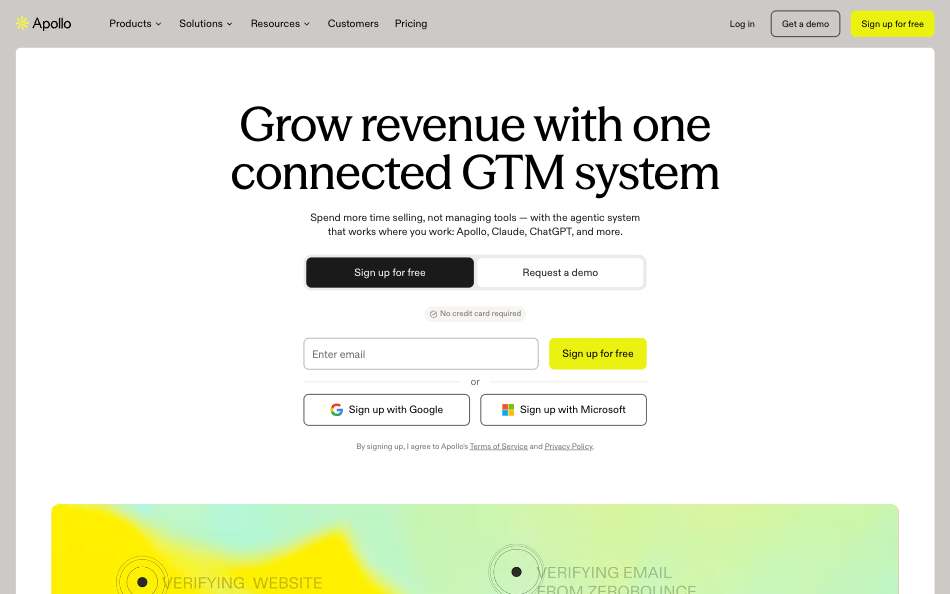
Apollo is a prospecting app with a database, sequences, a dialer and a Chrome extension. Recruiters who run candidate outreach and client business development in one place get the most from it. An email costs 1 credit and a phone number 8 (Apollo API pricing, September 2026).
Plans are per seat. Basic is $65 a month for 2,500 credits, Professional $99 for 4,000 and Organization $149 for 6,000 with a three-seat minimum (Apollo pricing, September 2026). Credits expire at the end of each cycle. Every plan includes API access, and paid enrichment allows 1,000 requests a minute (Apollo rate limits, September 2026).
The official MCP server is at mcp.apollo.io and any plan qualifies, including Free (Apollo MCP docs, September 2026). At volume the seat model gets costly: 1M emails at 4,000 credits per Professional seat means 250 seats.
Pros
- Database, sequences, dialer and extension in one app.
- API and MCP on every plan, including Free.
- Enrichment rate limit of 1,000 a minute on paid plans.
Cons
- Per-seat credits expire each cycle and do not roll over.
- Phones cost 8 credits.
- 1M lookups cost $24,750 a month at list price on monthly billing.
Best for: Recruiters who also sell, and want sequences next to the data. Pricing: Basic $65 per seat a month, $49 billed yearly. Professional $99, $79 billed yearly (Apollo pricing, September 2026).
Comparison table
| Tool | Best for | Starting price | Cost at 1M records a month | API | MCP | Rate limit |
|---|---|---|---|---|---|---|
| ContactOut | LinkedIn recruiters | Free. Email $49 a month, $39 billed yearly | No public 1M price | Yes, key by meeting | Yes, 15 tools | People Search 60 a minute, others 1,000 a minute |
| LeadOcean | Sourcing tools, agents, bulk | Free. Solo $97 a month | $497 a month flat. Fair use applies | Yes, every plan | Yes, 13 tools | 5, 50, 200 or 10,000 a second by plan |
| Lusha | Phones and seats | Free. Starter $49.90 a month, $37.45 billed yearly | No public 1M price | Yes, every plan | Yes, 50 tools | Pro 50 a minute, Premium 300 a minute |
| RocketReach | Pay per action | Free. Essentials $69 a month, reported | No public 1M price | Yes, set up with the API team | Yes, 9 tools | 10 requests a second |
| Kaspr | LinkedIn Recruiter in Europe | Free. Starter $65 per user a month | No public 1M price | Upon request, paid plans | None listed | Starter 20 an hour, Business 250 an hour |
| Apollo | Recruiting plus outbound | Free. Basic $65 a month, $49 billed yearly | $24,750 a month at list | Yes, every plan | Yes | Paid enrichment 1,000 a minute |
How to choose
- You source one profile at a time on LinkedIn: ContactOut or RocketReach. Both have an extension and both are cheap for one recruiter.
- You are a team of two to five: Lusha for built-in seats, or Kaspr if you work in LinkedIn Recruiter.
- You need phones as well as emails: ContactOut Email + Phone, Lusha or RocketReach Pro. Check credit cost per phone first: 5 on Lusha, 6 on RocketReach, 8 on Apollo.
- You also do client business development: Apollo, so sequences sit next to the data.
- You build a sourcing tool or run an agent: LeadOcean. REST and MCP on every plan, and a flat price at volume.
- You pull more than 100,000 records a month: LeadOcean. Per-seat tools get expensive fast, and most publish no 1M price.
Verdict
ContactOut wins for the recruiter who lives on LinkedIn, because the extension is the product and the free tier lets you test it. Lusha wins on seats and phones. RocketReach suits a recruiter who wants to pay for phones and personal emails only when pulled. Kaspr fits European recruiters in LinkedIn Recruiter. Apollo wins when outreach sits next to the data. LeadOcean wins for anyone who builds recruiting software, runs an agent or pulls candidate lists at volume. It is the only tool here with a flat $497 price at 1M. If you need an extension, pick one of the others and keep LeadOcean for the bulk data.
FAQ
What is the best lead enrichment tool for recruiters?
For most recruiters it is ContactOut, because it works from a LinkedIn profile in a browser. For teams that build tools or run agents, LeadOcean is the better fit. It has REST and MCP on every plan and a flat $497 price on Agency.
Can recruiters use lead enrichment for free?
Yes. ContactOut Free gives 5 emails a day, Lusha 40 credits a month, Kaspr 15 B2B email credits and Apollo 75 credits. LeadOcean gives 1,000 records, one-off, with no card.
How much does lead enrichment cost for a recruiting team?
Single seats start near $49 a month on ContactOut, Lusha and Apollo's yearly plan. Team pricing varies. Lusha includes 2 to 5 seats, Apollo and Kaspr charge per seat, and ContactOut's team plan has no public price. LeadOcean Solo is $97 a month for one person and Agency is $497 a month for a team.
Do these tools have an API for ATS integrations?
Yes, all six, with caveats. Lusha, Apollo and LeadOcean give an API key on every plan. ContactOut keys come from a sales meeting, RocketReach sets up API plans through its API team, and Kaspr's API is by request on paid plans. Check each rate limit against your sync volume.
Can I enrich candidates with career history?
LeadOcean person enrich returns past roles, education, certifications and awards since October 2026. Past employers carry no company_id yet. We did not check career history fields on the other five, so compare them on a test set first.
Do any of these work with ChatGPT or Claude?
Five list an MCP server: Lusha with 50 tools, ContactOut 15, LeadOcean 13, RocketReach 9 and Apollo. Kaspr lists none. Read the tool list first, because some servers only look up one address.
Enrich candidates and hiring companies from 693M people, in code or with an agent
Free to start. No credit card. 1,000 records to spend whenever you like.
Get your free API key →