An email finder Chrome extension adds a button to a website or a LinkedIn profile and returns that person's work email without leaving the page. Reps and recruiters use one all day. Engineers and agent builders hit its limits fast.
The limits are the same in most of them. Hunter and ContactOut meter a few hundred lookups a month on the cheap plans. Apollo, Prospeo and Lusha bill per seat on expiring credits. RocketReach caps lookups and API speed.
We compared seven tools on the extension, the API behind it, MCP, rate limits and the list price of 1M lookups a month. We did not run a find-rate test, so no hit rates appear below. Every competitor figure links to its source, checked in September 2026.
TL;DR
| Tool | Best for | Starting price | Cost at 1M records a month |
|---|---|---|---|
| Hunter | Domain-first finding with a free extension | Free: 50 credits a month. Starter $49 a month ($34 billed yearly) | $6,900, one purchase on Data Platform |
| ContactOut | Recruiters and reps working inside LinkedIn | Email plan $49 a month ($39 billed yearly) | No public 1M price |
| Apollo | Reps who want data, sequences and an extension in one app | Free: 75 credits a month. Basic $65 per seat ($49 billed yearly) | $24,750 a month, or $19,600 a month billed yearly |
| Prospeo | Reps who want an extension plus an API | Starter $49 a month ($37 billed yearly) | $14,456 a month, or $11,223 once for the year |
| Lusha | One-off lookups with phones | Free: 40 credits a month. Starter $49.90 ($37.45 billed yearly) | No public 1M price |
| RocketReach | Single reps who want a cheap monthly plan | Essentials $69 a month (reported) | No public 1M price |
| LeadOcean | Teams that outgrow the extension and need an API or agent | Free: 1,000 records, one-off. Solo $97 a month | Agency $497 a month, no per-record price |
Prices are USD, monthly list price first, billed-yearly figure after it. LeadOcean prices are on leadocean.io/pricing.
What we evaluated
- The extension itself. Where does it run (LinkedIn, any website, Gmail), and what does it cost per lookup?
- Free allowance. How many lookups can one person do before paying, and does it renew?
- API and MCP. Is there a public REST API on self-serve plans, and a hosted MCP server an agent can call?
- Rate limits. How many requests a second, minute or hour can one key send before it stalls?
- Price at volume. What does 1M lookups a month cost at public list prices? If no public price reaches 1M, we say so and do not multiply a rate out.
We read each vendor's pricing page, API docs and help center in September 2026. Where a page blocked us, we say so instead of guessing.
1. Hunter: best for domain-first finding with a free extension
Hunter's extension runs in Chrome, Firefox and Edge. Open a company website, click the icon, and it lists the addresses Hunter's crawlers found for that domain, each with its public sources and a confidence score. Type a name to find one person (Hunter extension page, September 2026).
The extension is free to install and needs a free account with 50 credits a month. Past that, the plan sets your search limit. Hunter charges 1 credit per email found and nothing when it finds none (Hunter help center, September 2026). See our Hunter alternative page.
The API behind it is the most predictable in this list. Email Finder and Domain Search allow 15 requests a second and 500 a minute (Hunter API docs, September 2026). An official MCP server at mcp.hunter.io/mcp is included in all plans (Hunter MCP, September 2026). At 1M, the Data Platform sells 1,000,000 Search credits for $6,900 once, valid 12 months (Hunter Data Platform, September 2026).
Pros
- Free extension with a renewing monthly allowance and no charge for a miss.
- Every address shows its public source and a confidence score.
- Public price at 1M, the lowest of the credit-based tools here.
- Official MCP server on every plan.
Cons
- Starts from a domain or a name, not a LinkedIn profile.
- Monthly credits reset and do not carry over.
- Data Platform, the cheap 1M route, is a separate product from the extension plans.
Best for: anyone who works from company websites and wants a free extension with a clear path to an API.
Pricing: Free $0 (50 credits a month), Starter $49 a month for 2,000 credits ($34 billed yearly), Growth $149, Scale $299 (Hunter pricing, September 2026). At 1M: $6,900 on Data Platform.
2. ContactOut: best for recruiters and reps inside LinkedIn
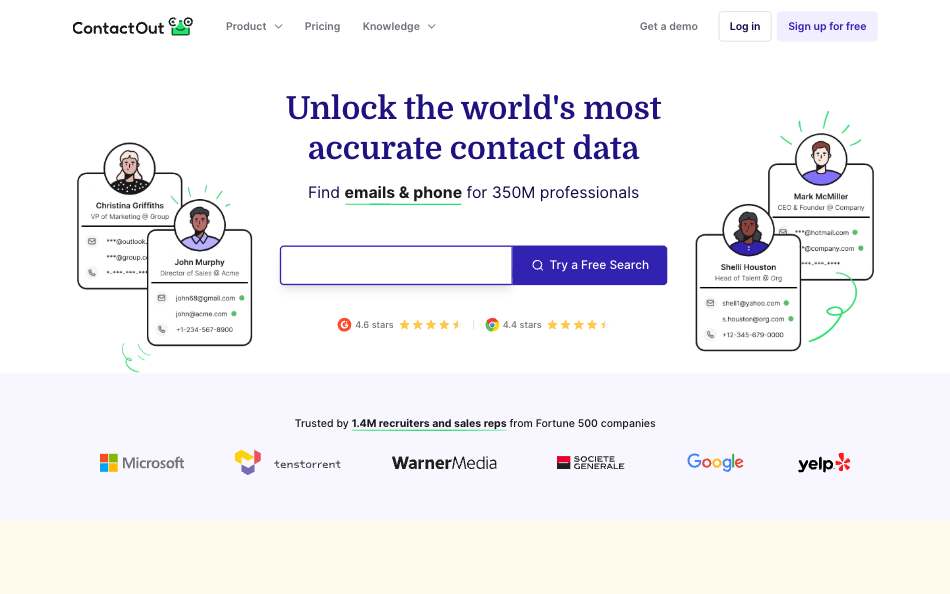
ContactOut's Chrome extension works on LinkedIn and on any company website. It adds a prospect to an email campaign in one click (ContactOut extension page, September 2026). It is the core product, not an add-on. The free plan gives 5 emails, 5 phones and 5 exports a day (ContactOut pricing, September 2026).
The paid plans say unlimited, but the terms cap fair use at 2,000 email credits and 1,000 phone credits per account a month (ContactOut terms, September 2026). Every self-serve plan has a one-user-per-company limit. See our ContactOut alternative page.
The API has no public price, and keys come from booking a meeting (ContactOut API, September 2026). Rate limits are 60 requests a minute on People Search and 1,000 a minute on most other endpoints. The MCP server has 15 tools (ContactOut MCP page, September 2026). ContactOut states three different coverage numbers across its pages, so we quote none.
Pros
- The strongest LinkedIn workflow in this list.
- Low entry price for one person, with a daily free allowance.
- Phones on the Email + Phone plan, not just emails.
- MCP server with 15 tools.
Cons
- No public API price. You book a meeting for a key.
- The unlimited plans carry a 2,000-email fair-use cap per account.
- One user per company on self-serve plans, so teams cannot stack seats.
Best for: recruiters and individual reps who live in LinkedIn.
Pricing: Email plan $49 a month ($39 billed yearly), Email + Phone $99 a month ($79 billed yearly) (ContactOut pricing, September 2026). No public 1M price.
3. Apollo: best for reps who want data, sequences and an extension in one app
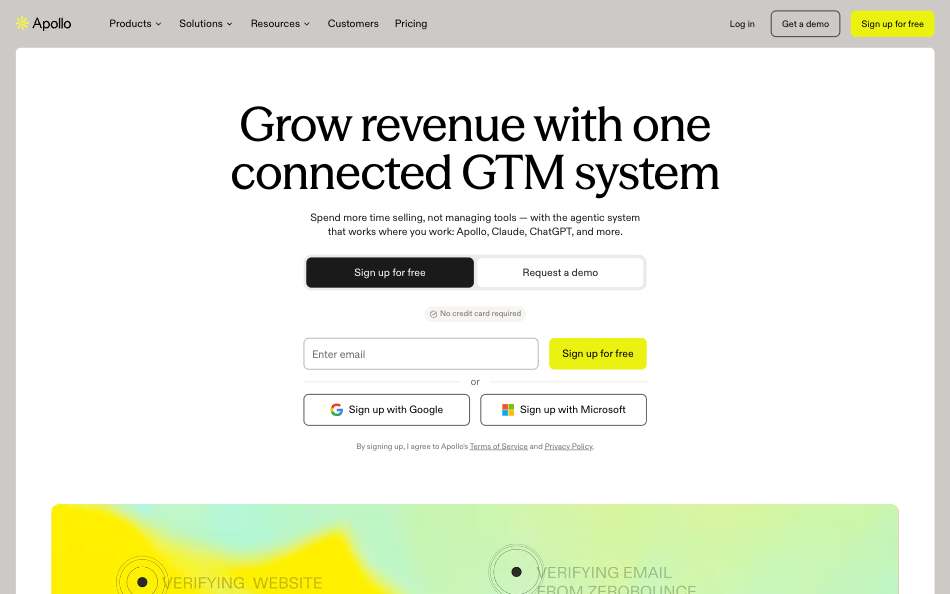
Apollo is a prospecting app first. Its Chrome extension is included on every plan, and the contacts it reveals land in the same workspace as lists, tasks and sequences (Apollo pricing, September 2026). The free plan gives 75 credits a month. See our Apollo alternative page.
An email costs 1 credit and a phone number costs 8. Credits are pooled across the team and expire at the end of each billing cycle (Apollo API pricing, September 2026). Every plan includes API access, and paid plans reach 1,000 enrichment requests a minute (Apollo rate limits, September 2026).
Apollo runs an official MCP server at mcp.apollo.io/mcp, available on any plan including Free (Apollo MCP docs, September 2026). The catch is volume. Credits are per seat, so 1M email lookups a month means about 250 Professional seats.
Pros
- Extension, lists, sequences and tasks in one app.
- API and MCP on every plan, Free included.
- Enrichment endpoints allow 1,000 requests a minute on paid plans.
Cons
- Credits are per seat and expire each cycle.
- Phone numbers cost 8 credits each.
- The price per extra credit is not public.
Best for: sales teams that want the extension and the outreach tooling from one vendor.
Pricing: Free $0 (75 credits a month), Basic $65 per seat a month ($49 billed yearly), Professional $99 ($79), Organization $149 ($119, minimum 3 seats) (Apollo pricing, September 2026). At 1M: $24,750 a month on 250 Professional seats, or $19,600 a month equivalent on 400 Basic seats billed yearly.
4. Prospeo: best for reps who want an extension and an API
Prospeo sells emails and mobiles on credits, per user. A verified email costs 1 credit, a mobile costs 10 with the email included, and a lookup that returns nothing costs 0 (Prospeo help center, September 2026). The Chrome extension comes on every plan (Prospeo pricing, September 2026). See our Prospeo alternative page.
It has a REST API and a hosted MCP server at mcp.prospeo.io with 8 tools (Prospeo MCP docs, September 2026). Enrich limits are 5 requests a second on Starter and Growth and 30 on Pro (Prospeo rate limits, September 2026).
No single plan reaches 1M credits. The cheapest public path is 44 Pro seats plus the 350,000-credit add-on. Credits expire at the end of each cycle.
Pros
- Extension and API from one vendor.
- No charge for a lookup with no result.
- Published per-credit prices on every paid tier: $0.0245 on Starter down to $0.0166 on Pro.
- Hosted MCP server with 8 tools.
Cons
- Priced per seat, and credits expire each cycle.
- Free-plan API access is unclear: its pricing table and help center disagree.
- Add-ons need a paid plan and stop at 350,000 credits a month on the public slider.
Best for: small sales teams that want a LinkedIn-style extension and a modest API.
Pricing: Free $0 (100 credits a month), Starter $49 a month for 2,000 credits ($37 billed yearly), Growth $99, Pro $249 (Prospeo pricing, September 2026). At 1M: $14,456 a month on monthly billing, or $11,223 once for the year.
5. Lusha: best for one-off lookups with phones
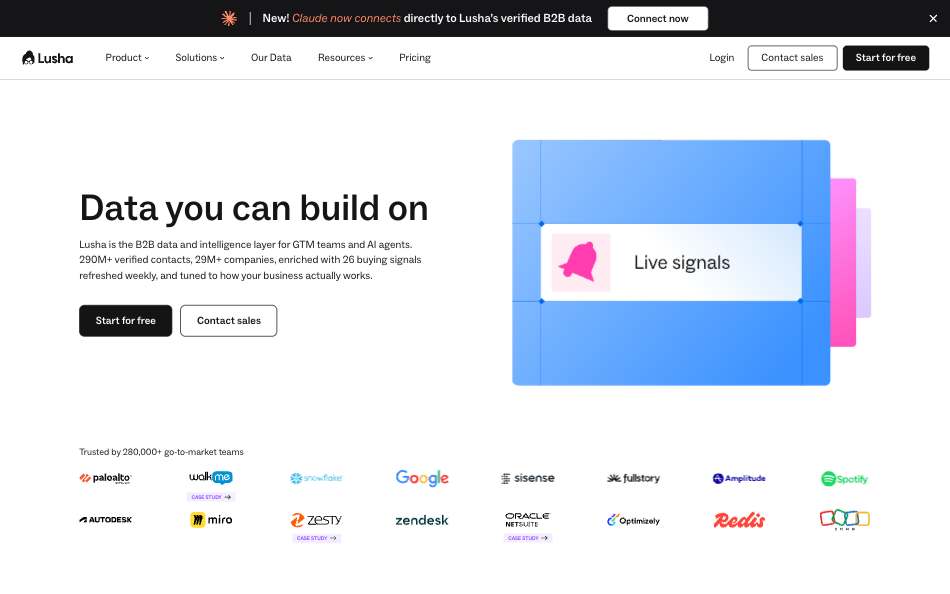
Lusha's extension reveals contact and company details on LinkedIn, in your CRM and on supported sites (Lusha extension page, September 2026). The free plan gives 40 credits a month. See our Lusha alternative page.
An email costs 1 credit and a phone number costs 5. A contact with both is 6 credits in the platform and extension, and 7 through a single API request (Lusha API guide, September 2026). Every plan gets an API key, including Free.
API limits per key run from 40 requests a minute on Free and Starter to 300 a minute on Premium. The MCP server has 50 tools (Lusha MCP docs, September 2026). The largest public tier holds 10,000 credits a month, so there is no public price at 1M.
Pros
- Phones are a core feature, not an upgrade.
- API key and MCP server on every plan.
- Waterfall enrichment on all paid plans for harder matches.
- Credit steps inside each plan, so you can buy a bit more without changing tier.
Cons
- Free and Starter API limits of 40 requests a minute.
- The docs disagree on whether a no-match request costs a credit.
- Top public tier is 10,000 credits a month.
Best for: a rep or founder who looks up a few dozen contacts a week and wants phones.
Pricing: Free $0 (40 credits a month), Starter $49.90 a month ($37.45 billed yearly), Pro $69.90 ($52.45), Premium $399.90 ($299.95) (Lusha pricing, September 2026). No public 1M price.
6. RocketReach: best for single reps who want a cheap monthly plan
RocketReach lists three self-serve plans. On monthly billing, G2 reports Essentials at $69, Pro at $119 and Ultimate at $209 (G2, reported, September 2026). RocketReach's own pricing page and extension page showed a bot check when we checked, so we could not confirm which plans include the extension. Ask RocketReach before you buy. See our RocketReach alternative page.
The API runs on Universal Credits: 2 per professional email, 3 per personal email and 6 per phone (RocketReach docs, September 2026). The docs publish no price per credit and tell buyers to email the API team to set up a plan.
Monthly person-lookup caps are 5,000 on Essentials, 20,000 on Pro and 50,000 on Ultimate, with a global limit of 10 requests a second (RocketReach rate limits, September 2026). The MCP server has 9 tools (RocketReach MCP docs, September 2026). At Ultimate's cap of 50,000 lookups a month, 1M lookups is a 20-month job.
Pros
- Entry price for one rep is among the lowest here.
- No charge when no data is found.
- MCP server with 9 tools.
Cons
- Lookup caps of 5,000 to 50,000 a month.
- API access is set up by email, not a checkbox, with no public API price.
- Pricing and extension pages block automated reading, so figures are second-hand.
Best for: one person who prospects by hand and never needs API volume.
Pricing: Essentials $69 a month, Pro $119, Ultimate $209, all reported by G2 (G2, September 2026). No public 1M price.
7. LeadOcean: best when the extension stops being enough
LeadOcean is not a Chrome extension. It has no browser button, no rep workspace and no sequencer. It is a people and company data API with a hosted MCP server, plus an app at app.leadocean.io with an Exports page for CSV downloads.
We rank it last because most readers of this page want a button on LinkedIn. It earns a place for the moment your list outgrows clicking. POST /v1/people/enrich takes a linkedin_url and, with reveal_email set to true, returns the email. The same lookup works from an agent through https://api.leadocean.io/mcp, with OAuth sign-in.
The database holds 693M people, 366M of them with an email, and 67M companies. Every record carries one of 13 email_status values, so you filter before you send. An enrichment that finds nobody is a 404 and costs nothing.
curl -X POST "https://api.leadocean.io/v1/people/enrich" \
  -H "x-api-key: $LEADOCEAN_API_KEY" \
  -H "content-type: application/json" \
  -d '{"linkedin_url":"https://www.linkedin.com/in/jane-doe","reveal_email":true}'
Pros
- Same call over REST or MCP on every plan, Free included.
- Flat pricing: no credits, no per-record price, no overage invoice. Paid plans have a fair-use pace.
- Size a list for free, then export up to 50,000 rows a file on Agency.
- Rate limit scales by plan: 5 requests a second on Free, 50 on Solo, 200 on Agency.
Cons
- No Chrome extension, so reps cannot click through profiles.
- No bounce refund. Read
email_statusbefore you send. - The v2 contact endpoints cost one record per call, even on a miss.
- Bulk CSV export is not on Free.
Best for: engineers, RevOps teams and agents that pull emails at volume, often alongside a smaller extension seat for reps.
Pricing: Free $0 (1,000 records, one-off, no card), Solo $97 a month, Agency $497 a month, Platform $1,997 a month. See LeadOcean pricing, checked October 2026.
Comparison table
| Tool | Best for | Starting price | Cost at 1M records a month | API | MCP | Rate limit |
|---|---|---|---|---|---|---|
| Hunter | Domain-first finding | Free, then Starter $49 ($34 yearly) | $6,900 once | REST | Yes | 15 a second |
| ContactOut | LinkedIn workflow | $49 ($39 yearly) | No public 1M price | On request, no public price | Yes, 15 tools | 60 to 1,000 a minute |
| Apollo | Prospecting app | Free, then Basic $65 ($49 yearly) | $24,750 a month | REST, every plan | Yes | 1,000 a minute on enrichment |
| Prospeo | Extension plus API | Starter $49 ($37 yearly) | $14,456 a month | REST | Yes, 8 tools | 5 a second on Starter, 30 on Pro |
| Lusha | Phones, one-off lookups | Free, then Starter $49.90 ($37.45 yearly) | No public 1M price | REST, every plan | Yes, 50 tools | 40 to 300 a minute |
| RocketReach | Single reps | Essentials $69 (reported) | No public 1M price | Set up by email | Yes, 9 tools | 10 a second globally |
| LeadOcean | API and agents | Free, then Solo $97 | Agency $497 a month | REST, every plan | Yes, 13 tools | 5 to 10,000 a second by plan |
How to choose
- You work from company websites and want it free: Hunter. The extension is free and the API price at 1M is public.
- Your day is LinkedIn: ContactOut, if you are one person. Check the 2,000-email fair-use cap first.
- You want data and outreach in one app: Apollo, then watch the per-seat credit cost.
- You want an extension and an API from one vendor: Prospeo, while volume stays small.
- You need phones for a few dozen contacts a week: Lusha.
- You need volume through code or an agent: LeadOcean. Keep one extension seat for reps if they want a button.
Verdict
Hunter wins for most people who want a Chrome extension. It is free to start and has the lowest public 1M price of the extension tools. ContactOut wins for LinkedIn-first recruiters, Apollo for teams that want sequences next to the extension, and Lusha for phones. Prospeo fits small teams that want both extension and API. RocketReach fits a single rep once you confirm what its extension includes. LeadOcean wins the moment you pull emails in code or through an agent, and it does not pretend to be a browser tool.
FAQ
What is the best email finder Chrome extension?
For most people, Hunter: the extension is free with 50 credits a month and works on any company website. For LinkedIn, ContactOut. For prospecting with sequences, Apollo.
Are email finder Chrome extensions free?
Can I use a Chrome extension through an API or an agent?
Not the extension itself. The extension is a browser button. The same vendors sell an API and an MCP server for code and agents, and LeadOcean offers only those, with no extension.
Do these extensions work on LinkedIn?
ContactOut, Lusha and Apollo run on LinkedIn profiles. Hunter's extension starts from the website you are on or a name you type. Check each vendor's terms for how its LinkedIn use is allowed.
How much do email finder extensions cost at 1M lookups?
Hunter's Data Platform is $6,900 once. Prospeo is $14,456 a month, Apollo $24,750 a month and LeadOcean Agency $497 a month. ContactOut, Lusha and RocketReach have no public 1M price.
Do I need a credit card to try one?
Not for LeadOcean. Its free plan has 1,000 records, one-off, no card, and works over REST and MCP. Check each other vendor's signup page for its own rule.
Outgrown the extension? Pull the same emails by API or agent.
Free to start. No credit card. 1,000 records to spend whenever you like.
Get your free API key →