A LinkedIn lead generation tool finds the people on LinkedIn that match your buyer and returns a verified email or phone number for each. Sales reps, recruiters and founders use one to turn a profile into an outreach list. Engineers and RevOps teams use one to feed that list into code or an agent.
Most tools in this category are priced per seat and per credit. That works for one rep clicking through profiles. It breaks when a pipeline needs thousands of lookups a day, because the credit meter and the daily API caps decide your volume.
This list ranks six tools on what they cost, what the API allows and what 1M records a month would run. We have alternatives pages for Apollo, Lusha, ContactOut, Kaspr and Wiza. Prices were checked in September and October 2026.
TL;DR
| Tool | Best for | Starting price | Cost at 1M records a month |
|---|---|---|---|
| Apollo | Reps who want data and outreach in one app | Free; Basic $65 per seat a month, $49 billed yearly | $24,750 a month at list price on monthly billing ($19,600 billed yearly) |
| Lusha | Reps who reveal contacts in a browser extension | Free; Starter $49.90 a month, $37.45 billed yearly | No public 1M price |
| ContactOut | Recruiters and reps working on LinkedIn profiles | Free; Email $49 a month, $39 billed yearly | No public 1M price |
| Kaspr | European reps who want phone numbers from profiles | Free; Starter $65 per user a month | No public 1M price |
| Wiza | Reps who build lists from Sales Navigator | Free; paid from $49 per user a month | No public 1M price |
| LeadOcean | Engineers and agents that need volume and a flat bill | Free; Solo $97 a month | $497 a month (Agency), flat, no credits |
What we evaluated
- LinkedIn workflow. Does it work from a profile or a Sales Navigator list, or does it only sell a database?
- Price and price model. Seat, credit or flat. We list monthly price first and the billed-yearly figure after it.
- API and rate limit. Is an API on every plan, and how many requests does it allow?
- MCP server. Can an agent in Claude or Cursor call it, and how many tools does it expose?
- Cost at 1M records a month. What the public price pages say 1M lookups would cost. If a vendor publishes no such price, we say so and do not multiply a rate out.
1. Apollo: best for reps who want data and outreach in one app
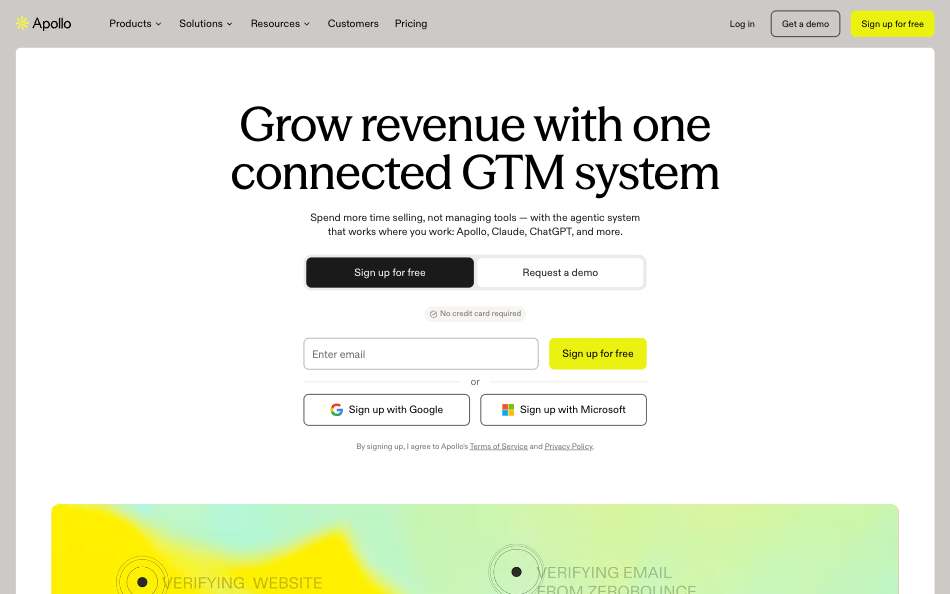
Apollo is a contact database with sequences, a dialer and a Chrome extension in the same app. It is the default pick for a sales team that wants to find a LinkedIn contact and email them without leaving one tool. Our Apollo alternative page covers the data-only case.
Pricing is per seat with a monthly credit allowance. An email costs 1 credit and a phone number costs 8 (Apollo pricing, September 2026). Credits are pooled across the team, and extra credits are bought with a slider in the app, with no public per-credit price.
The API is on every plan, Free included. Enrichment endpoints allow 1,000 requests a minute on paid plans. General endpoints allow 200 a minute on Basic and Professional, with 2,000 a day (Apollo rate limits, September 2026). Apollo also runs an MCP server at mcp.apollo.io/mcp that works on any plan (Apollo MCP, September 2026).
Pros
- Data, sequences and dialer in one app.
- API and MCP on every plan, including Free.
- Enrichment endpoints are loose on paid plans: 1,000 requests a minute.
- A published seat path to 1M: $24,750 a month at list on monthly billing.
Cons
- Priced per seat. 1M work-email lookups means about 250 Professional seats at list.
- A phone number costs 8 credits, eight times an email.
- Price per extra credit is not public.
- General API endpoints cap at 2,000 requests a day on Basic and Professional.
Best for: Sales teams that want one app for finding and emailing leads. Pricing: Free; Basic $65 per seat a month, $49 billed yearly; Professional $99, $79 billed yearly (Apollo pricing, September 2026).
2. Lusha: best for reps who reveal contacts in a browser extension
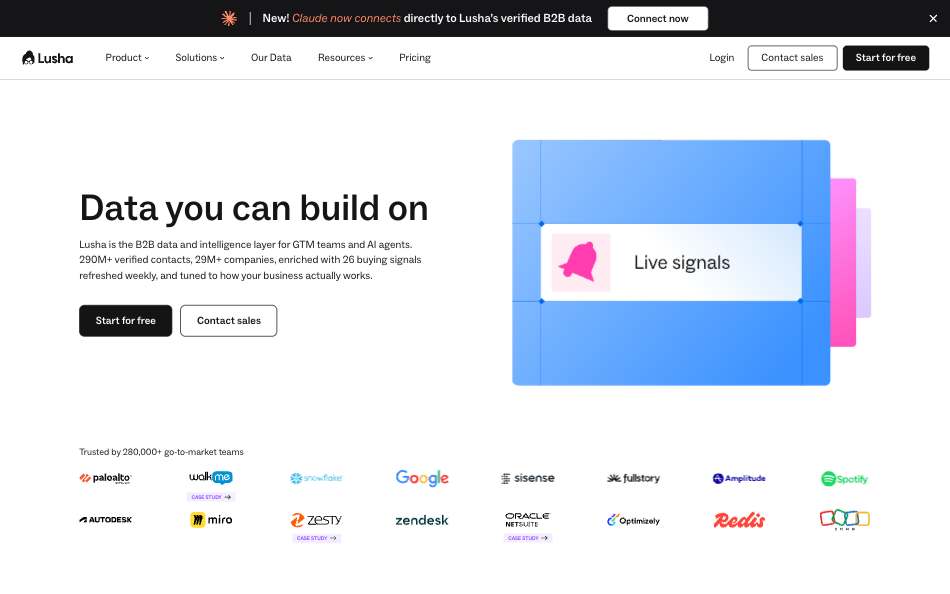
Lusha is a contact and company data platform with a Chrome extension, a REST API and an MCP server. A rep opens a LinkedIn profile, clicks the extension and reveals an email or phone. See the Lusha alternative page for the API-first comparison.
Lusha sells credits. An email costs 1 credit, a phone number 5, and one contact with both costs 7 through a single API request (Lusha API guide, September 2026). Free gives 40 credits a month. The largest public tier is Premium at 10,000 credits a month.
Every plan has an API key. Limits are per key by plan: Free and Starter allow 100 requests a day, Pro 1,500 and Premium 18,000. The MCP server has 50 tools and shares the REST credit pool (Lusha MCP tools, September 2026).
Pros
- Chrome extension for reveals on LinkedIn profiles.
- API key on every plan, including Free.
- MCP server with 50 tools on the same credit pool.
- Prices are public up to Premium.
Cons
- No public price at 1M. 1M work emails by bulk API would need 1,040,000 credits, 104 times the largest listed plan.
- Free and Starter API caps are 100 requests a day.
- Phone numbers cost 5 credits.
- The docs disagree on whether a no-match request is charged.
Best for: Reps who work in a browser and want contacts on profiles. Pricing: Free (40 credits a month); Starter $49.90 a month, $37.45 billed yearly; Pro $69.90, $52.45 billed yearly (Lusha pricing, September 2026).
3. ContactOut: best for recruiters and reps working on profiles
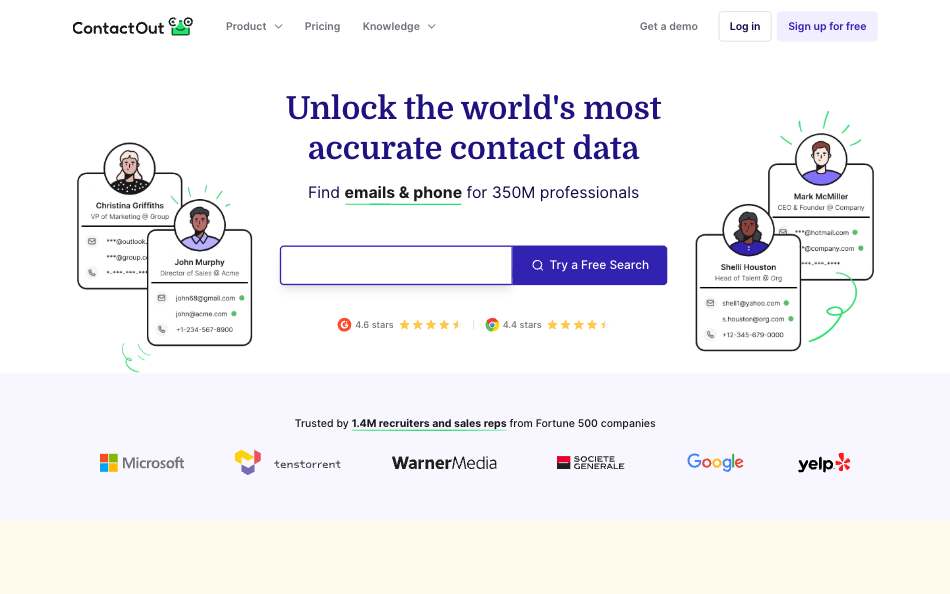
ContactOut is a LinkedIn-first email and phone finder with a Chrome extension, an API and an MCP server. Recruiters use it most. Read our ContactOut alternative page for the data-pull case.
Self-serve plans are cheap and say unlimited, but every plan lists a one-user-per-company limit. The terms cap paid unlimited plans at 2,000 email credits and 1,000 phone credits per account a month (ContactOut terms, September 2026). The Team and API plan shows Contact Us, and API keys come from booking a meeting (ContactOut API, September 2026).
API rate limits are 60 requests a minute on People Search and 1,000 a minute on most other endpoints. The MCP server has 15 tools (ContactOut MCP, September 2026).
Pros
- Low entry price: Email at $49 a month, $39 billed yearly.
- Chrome extension built around LinkedIn profiles.
- MCP server with 15 tools and 600+ free credits at onboarding.
- Regional plans from $25 a month.
Cons
- No public price at 1M. The fair-use cap is 2,000 emails per account a month.
- One user per company on self-serve plans.
- API price is not published.
- Coverage claims differ by page: 350M, 600M+ and 800M profiles.
Best for: Recruiters and individual reps who live on LinkedIn. Pricing: Free; Email $49 a month, $39 billed yearly; Email + Phone $99, $79 billed yearly (ContactOut pricing, September 2026).
4. Kaspr: best for European reps who want phone numbers from profiles
Kaspr is a Chrome extension first. A rep opens a LinkedIn profile and gets a work email and a direct phone number. It also runs on top of Sales Navigator (Kaspr pricing, September 2026). The Kaspr alternative page covers the API side.
Pricing is per user. Starter is $65 a month billed monthly (EUR 59) and Business is $99 (EUR 99). B2B email credits are unlimited on paid plans under fair use. Phone credits are 100 a month on Starter and 200 on Business.
The API is on request from Starter up, and Free has none. Business allows 500 requests a day, and each successful call also spends an export credit (Kaspr API help, September 2026). The API starts from a LinkedIn profile URL you already have.
Pros
- Unlimited B2B email credits on paid plans, under fair use.
- Phone numbers from LinkedIn profiles in one click.
- Add-on packs are public: 100,000 export credits for $3,080 on the yearly plan.
- Credits roll over on paid plans.
Cons
- API caps at 250 requests a day on Starter and 500 on Business.
- No public price at 1M. No public plan reaches 1M in a month.
- We found no MCP server on Kaspr's pricing, API or help pages.
- Search happens in the extension, not through the API.
Best for: European reps who prospect profile by profile and need phone numbers. Pricing: Free; Starter $65 per user a month; Business $99 (Kaspr pricing, September 2026).
5. Wiza: best for reps who build lists from Sales Navigator
Wiza turns a LinkedIn Sales Navigator or Recruiter search into a list with emails attached. That is its main job. Its alternative page compares it with a data API.
Paid plans run from $49 to $199 a month per user, or $83 to $166 a month per user billed yearly (Wiza pricing, October 2026). The API price is not published: the API page says to book a call. An API reveal deducts 2 credits for a valid email, 5 for a phone number and 1 for a matched profile. Unmatched profiles are not charged (Wiza docs, September 2026).
Limits are tight for a pipeline. The Starter API runs 5 requests in flight at once (Wiza docs, September 2026). The MCP server has 5 tools and needs API credits (Wiza MCP guide, September 2026).
Pros
- Builds lists straight from Sales Navigator and Recruiter searches.
- Credits are charged only for valid emails.
- Free plan with 20 valid emails and 5 phone numbers.
- MCP server available.
Cons
- API price sits behind a sales call.
- Priced per user. Teams of 3 or more get custom pricing.
- No public price at 1M.
- Prospect search returns 30 results per call.
Best for: Reps who already live in Sales Navigator and need lists. Pricing: Free; paid plans $49 to $199 a month per user, $83 to $166 billed yearly (Wiza pricing, September 2026).
6. LeadOcean: best for engineers and agents that need volume and a flat bill
LeadOcean is the only tool here that is not a LinkedIn extension. It is a people and company data API with a hosted MCP server: 693M people, 67M companies, 50 people filters and 34 company filters. We place it last for LinkedIn prospecting and first for volume.
You can enrich a person from a LinkedIn URL. POST /v1/people/enrich takes a linkedin_url, an email, a phone or a person_id, and reveal_email returns the address. A miss is a 404 and costs nothing. To size an audience, leadocean_count_leads and GET /v1/companies/count are free, so you check the list before you spend a record.
curl -X POST "https://api.leadocean.io/v1/people/enrich" \
  -H "x-api-key: $LEADOCEAN_API_KEY" \
  -H "content-type: application/json" \
  -d '{"linkedin_url":"https://www.linkedin.com/in/jane-doe","reveal_email":true}'
Plans are flat: Free, Solo $97, Agency $497 and Platform $1,997 a month (LeadOcean pricing, October 2026). There are no credits. Paid plans have a fair-use pace, and Agency allows 1M enrichments a day, raisable. The MCP server at https://api.leadocean.io/mcp has 13 tools and uses OAuth.
Pros
- Flat price: Agency is $497 a month with no seats and no credits.
- REST and MCP on every plan, including Free, with 200 requests a second on Agency.
- Free sizing calls: counts and filter lists cost no records.
- 1,000 free records for life, no card.
Cons
- No LinkedIn extension, no Sales Navigator list builder and no rep workspace.
- You need code or an agent to use it at scale. The app only has an Exports page.
- Bulk CSV export is not on Free.
- Smaller than some vendor claims: 693M people.
Best for: Engineers, RevOps and agents that pull LinkedIn-matched contacts at volume. Pricing: Free (1,000 records, once); Solo $97 a month; Agency $497 a month; Platform $1,997 a month (LeadOcean pricing, October 2026).
Comparison table
| Tool | Best for | Starting price | Cost at 1M records a month | API | MCP | Rate limit |
|---|---|---|---|---|---|---|
| Apollo | All-in-one sales app | Free; Basic $65 per seat, $49 billed yearly | $24,750 a month list, monthly billing | Yes, every plan | Yes, any plan | Enrichment 1,000 a minute on paid plans |
| Lusha | Browser extension reveals | Free; Starter $49.90, $37.45 billed yearly | No public 1M price | Yes, every plan | Yes, 50 tools | Free 40 a minute, 100 a day; Premium 300 a minute |
| ContactOut | Recruiters on LinkedIn | Free; Email $49, $39 billed yearly | No public 1M price | Contact Us; key via meeting | Yes, 15 tools | People Search 60 a minute; others 1,000 a minute |
| Kaspr | Phones from profiles | Free; Starter $65 per user | No public 1M price | On request, Starter up | None found | Starter 250 a day; Business 500 a day |
| Wiza | Sales Navigator lists | Free; paid from $49 per user | No public 1M price | Price on a call | Yes, 5 tools | 5 in flight on Starter API |
| LeadOcean | Volume, API and agents | Free; Solo $97 | $497 a month (Agency), flat | Yes, every plan | Yes, 13 tools | 5 a second Free; 200 a second Agency |
Sources: each tool's pricing and docs page, linked in its section, checked September 2026. LeadOcean from leadocean.io/pricing, October 2026.
How to choose
- A rep who prospects on LinkedIn by hand: ContactOut or Lusha. Both reveal contacts from a profile in a browser extension.
- A rep who needs phone numbers in Europe: Kaspr. Phone credits come with the plan.
- A rep who works from Sales Navigator lists: Wiza. List building from a search is its core job.
- A team that wants data and outreach in one place: Apollo. Sequences and a dialer are in the same app.
- An engineer, RevOps lead or agent that pulls records in code: LeadOcean. The API and MCP are on every plan and the bill does not scale with seats.
- Anyone testing before buying: start on the free plans. LeadOcean gives 1,000 records for life, no card.
Verdict
For a rep who works inside LinkedIn, Apollo is the best all-in-one pick. Lusha and ContactOut are the best extension tools. Kaspr is best for phones in Europe and Wiza for Sales Navigator lists. For anyone who pulls contacts through an API or an agent at volume, LeadOcean wins on price. It is $497 a month flat. Apollo's seat-and-credit meter comes to $24,750 for 1M, and four others do not price 1M at all. The honest split is simple. Use an extension tool where a human clicks. Use LeadOcean where code or an agent does.
FAQ
What is the best LinkedIn lead generation tool?
It depends on who does the work. Apollo is the best all-in-one for sales teams, ContactOut and Lusha fit reps who reveal contacts from profiles, and LeadOcean fits engineers and agents that need volume. Pick by workflow first, price second.
Is it legal to scrape LinkedIn for leads?
We do not give legal advice, and LeadOcean does not scrape LinkedIn for you. Read each vendor's terms and your own counsel's guidance before you collect personal data. This page covers price and features only.
Which LinkedIn lead tool has an API?
Apollo and Lusha include an API key on every plan. Kaspr gives API access on request from Starter up. ContactOut and Wiza price their APIs on a call. LeadOcean includes REST and MCP on every plan, including Free.
Which tools have an MCP server?
Apollo, Lusha, ContactOut, Wiza and LeadOcean list one. Lusha exposes 50 tools, ContactOut 15, LeadOcean 13 and Wiza 5 (Lusha MCP tools, September 2026; ContactOut MCP, September 2026). We found none for Kaspr.
How much does LinkedIn lead generation cost at scale?
Only Apollo publishes a figure: $24,750 a month at list for 1M work-email lookups on monthly billing (Apollo pricing, September 2026). Lusha, ContactOut, Kaspr and Wiza publish no 1M price. LeadOcean Agency is $497 a month with a fair-use pace, not a per-record price.
Can I try these tools free?
Yes. Every tool here has a free plan, but the sizes differ: Lusha gives 40 credits a month and Wiza 20 valid emails. LeadOcean gives 1,000 records, once, with the same API and MCP as paid plans. See pricing.
Related: predictive lead generation, outbound lead generation, lead generation funnel, pricing.
Get LinkedIn-matched contacts into your pipeline without a seat or a credit meter.
Free to start. No credit card. 1,000 records to spend whenever you like.
Get your free API key →